
Keep the group the right size
Set a ticket quantity for your room and teaching format. Keep registrations in one place instead of reconciling spreadsheets.

Turn your expertise into a well-run paid workshop. Sell places, collect participant details and welcome everyone with a QR ticket.
FROM BOOKING TO ARRIVAL
Set a ticket quantity for your room and teaching format. Keep registrations in one place instead of reconciling spreadsheets.
Ask about experience and learning goals when participants book, so you can plan a relevant session.
Send a QR ticket after booking and scan arrivals from your phone.
EXAMPLE SCENARIO
Example scenario: a trainer opens 24 places for a two-hour session. Participants buy an admission ticket and share their learning goals. The trainer reviews registrations and checks tickets at arrival.
Explore the demoINCLUDED TEMPLATE
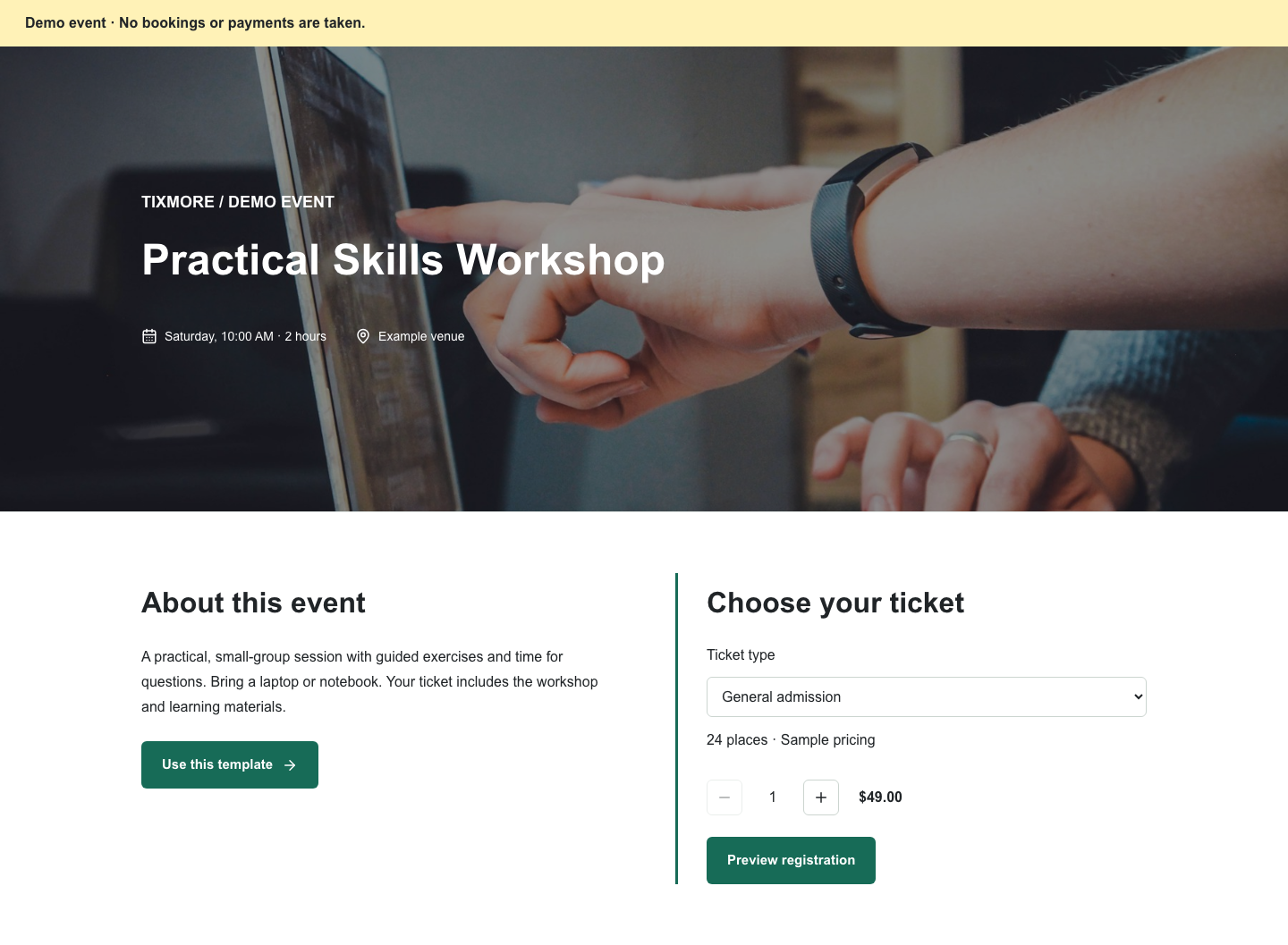
A practical, small-group session with guided exercises and time for questions. Bring a laptop or notebook. Your ticket includes the workshop and learning materials.
YOUR EVENT OPERATIONS


Yes. Your event is created online with a [DEMO] title and sample details. Review the date, venue, price and capacity in your dashboard before sharing it with guests.
Connect your Stripe account to accept paid bookings. Payment processing is handled by Stripe. See our pricing page for current platform and processing fees.
No. It is an example using sample content. No booking or payment is taken in the demo.
Review the template, add your details and make it yours.