
Put the artists and timings first
Give performers a lineup entry and show doors, sets and the interval in a running order. Help guests decide what to attend without searching several social posts.
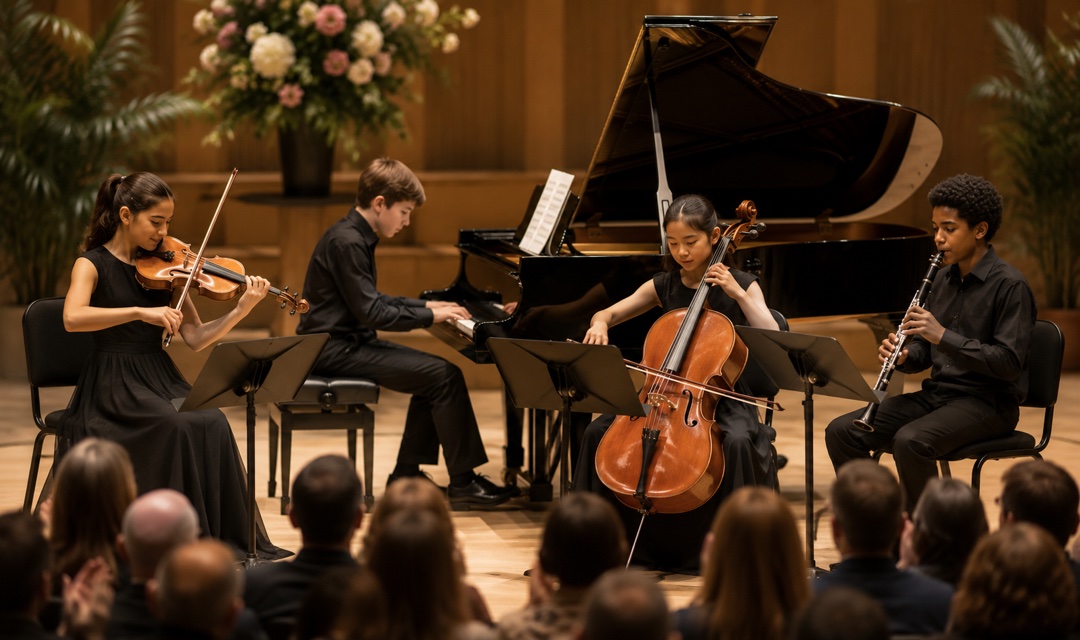
Bring your next small concert to life with a clear lineup, running order and paid ticket options. Give your audience one event link and your door team QR check-in.
FROM BOOKING TO ARRIVAL
Give performers a lineup entry and show doors, sets and the interval in a running order. Help guests decide what to attend without searching several social posts.
Offer ordinary admission and a higher-priced supporter option with clearly stated access. Set a quantity for each tier; do not imply reserved seats or additional benefits that are not included.
Review paid bookings and scan QR tickets on arrival. Your event page, ticket options and check-in records remain part of the same event.
EXAMPLE SCENARIO
Example scenario: a community promoter prepares a 120-person chamber concert. The template allocates 100 admission tickets at USD 24 and 20 supporter tickets at USD 38. Both provide the same unreserved admission; the supporter price contributes more to the event. Two sample lineup entries and a doors-to-finish running order make the evening easy to understand. These are editable sample allocations, not sales or attendance results.
Explore the demoINCLUDED TEMPLATE
An intimate evening of acoustic chamber music, with short introductions to the pieces and time to settle into the sound. Join us for two sets separated by an interval.
YOUR EVENT OPERATIONS


In this example it provides the same admission as the ordinary ticket, at a higher price to support the event. It does not include reserved seating, priority access, drinks or merchandise. Change the names and descriptions if your event offers different benefits.
Yes. The template creates two editable lineup entries and four schedule items. Replace the fictional names, biographies and running order with your confirmed artists and timings.
No. It uses unreserved admission with a separate quantity for each ticket tier. The combined sample stock is 120 tickets; adjust all tiers to your actual permitted capacity.
An editable event is created online with a [DEMO] title, a ten-day date window and a sample Central Park location. Replace the title, venue, dates, ticket quantities and policies before inviting guests. This is not a real customer event.
Connect your Stripe account to accept paid bookings. Review the current platform and processing fees on our pricing page. The public demo does not take payments or reserve places.
Review the template, add your details and make it yours.