
Set expectations before the costume goes on
Explain the age range, supervision, clothing and arrival rules on the event page. A pumpkin-painting session needs different instructions from a late-night costume party.
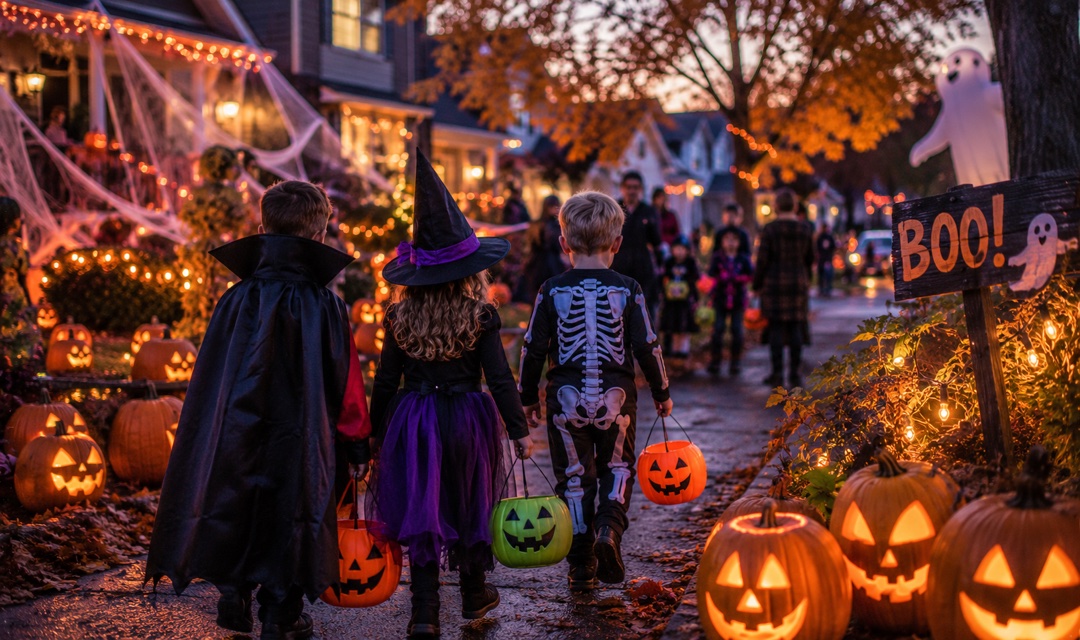
Sell places for pumpkin workshops and Halloween gatherings. Make age guidance, materials and costume rules clear before guests book, with QR tickets ready for arrival.
FROM BOOKING TO ARRIVAL
Explain the age range, supervision, clothing and arrival rules on the event page. A pumpkin-painting session needs different instructions from a late-night costume party.
Set a ticket quantity and state what one place includes. Give the team an order list to prepare pumpkins, paint and table space without promising unconfigured group packages.
Show a short running order, from the welcome to the final display. Guests keep their QR tickets on their phones for check-in instead of searching for payment messages.
EXAMPLE SCENARIO
Example scenario: a host runs a two-hour pumpkin-painting social with 30 places at USD 26. Each place includes one pumpkin, paint and shared brushes. The sample uses painting rather than carving, a short technique demonstration and a final display. Costumes are optional and there is no prize draw, scare attraction or alcohol package. The buyer may suggest a design theme. Age and supervision requirements must be set by the actual organizer.
Explore the demoINCLUDED TEMPLATE
Give a pumpkin a personality of its own. Try patterns, playful faces or a simple autumn palette during a relaxed two-hour painting social. This is a paint-only session: no carving tools are supplied.
YOUR EVENT OPERATIONS


No. This sample is a paint-only activity with one pumpkin per paid participant. It does not supply knives or describe carving instruction. If your real event includes carving, write appropriate equipment, age and supervision requirements before selling.
Do not assume so. The organizer must set the suitable age range and supervision rules. Adults should make bookings for children; the template does not collect separate children's personal information or treat checkout as consent. Confirm companion places with the host.
Yes, but replace the pumpkin-specific inclusions, ticket names and running order. Set your actual age policy and venue capacity. This example does not configure age verification, security checks or an overnight schedule for you.
No. These are original example scenarios based on common event formats. Names, ticket prices, quantities and hosts are editable sample data, not customer results. The public demo cannot take bookings or payments.
No. Using a template creates an online event with a [DEMO] title, a window from today to ten days later and a sample Central Park location. Replace those details with your confirmed date and venue, review policies and ticket quantities, and connect Stripe before sharing it. Seasonal dates are not set automatically.
Connect your own Stripe account for paid ticket sales. Platform and payment processing fees apply as shown on the pricing page. The demo makes no charges and does not reserve inventory.
Review the template, add your details and make it yours.