
Match bookings to your kitchen
Limit places to the workstations available and make the ticket price clear before checkout.

Fill your kitchen with the right-sized group. Take paid bookings, share what to bring and keep your class list ready for the day.
FROM BOOKING TO ARRIVAL
Limit places to the workstations available and make the ticket price clear before checkout.
Describe the menu, ingredients included, duration and equipment in your event page.
Review your paid class list and participant information from one dashboard.
EXAMPLE SCENARIO
Example scenario: a chef offers 12 places at a weekend pasta class. The event page explains what is included, each booking captures the participant name, and QR tickets make arrivals easy.
Explore the demoINCLUDED TEMPLATE
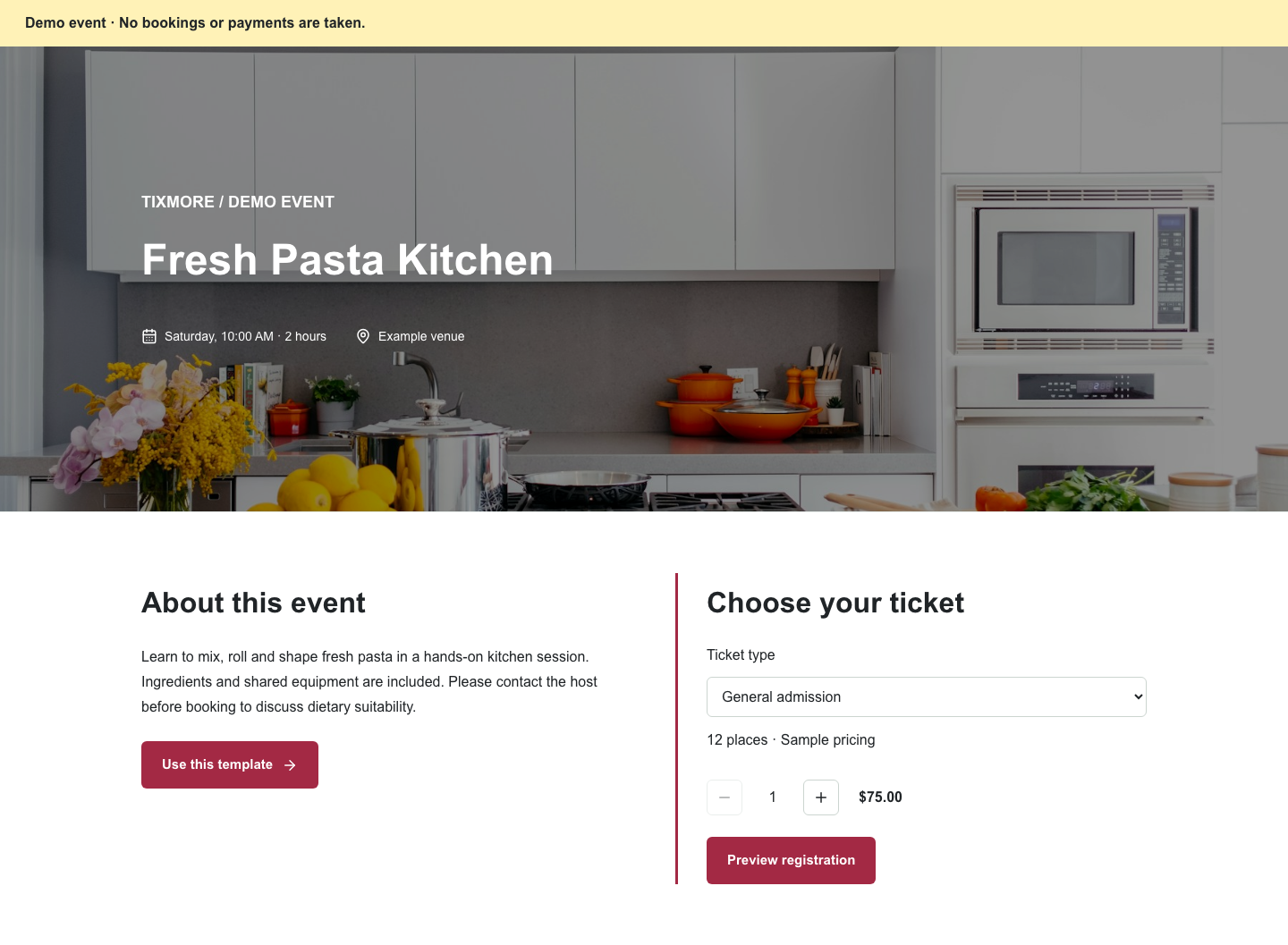
Learn to mix, roll and shape fresh pasta in a hands-on kitchen session. Ingredients and shared equipment are included. Please contact the host before booking to discuss dietary suitability.
YOUR EVENT OPERATIONS


Yes. Your event is created online with a [DEMO] title and sample details. Review the date, venue, price and capacity in your dashboard before sharing it with guests.
Connect your Stripe account to accept paid bookings. Payment processing is handled by Stripe. See our pricing page for current platform and processing fees.
No. It is an example using sample content. No booking or payment is taken in the demo.
Review the template, add your details and make it yours.