
Show what people will make
Use your project photos and a clear description to help participants choose the right session.

Give your next creative session a page worth sharing. Show the project, sell limited places and organize participants before they reach your studio.
FROM BOOKING TO ARRIVAL
Use your project photos and a clear description to help participants choose the right session.
Set a class capacity and explain which materials are included with admission.
Collect experience levels at booking and share preparation instructions on your event page.
EXAMPLE SCENARIO
Example scenario: a studio opens 16 places for a clay workshop. The event page shows the project and included materials. Participants book online and arrive with their QR tickets.
Explore the demoINCLUDED TEMPLATE
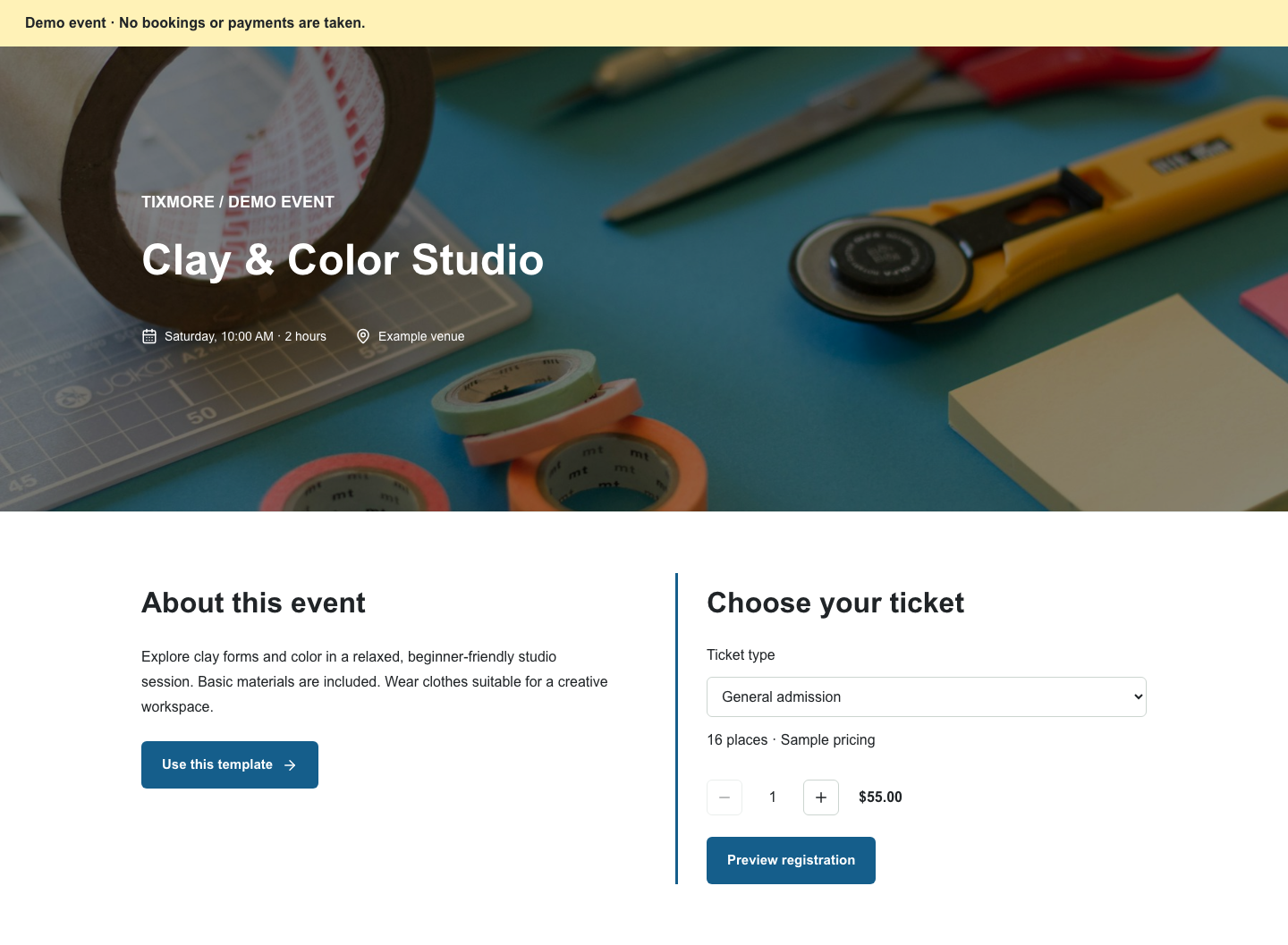
Explore clay forms and color in a relaxed, beginner-friendly studio session. Basic materials are included. Wear clothes suitable for a creative workspace.
YOUR EVENT OPERATIONS


Yes. Your event is created online with a [DEMO] title and sample details. Review the date, venue, price and capacity in your dashboard before sharing it with guests.
Connect your Stripe account to accept paid bookings. Payment processing is handled by Stripe. See our pricing page for current platform and processing fees.
No. It is an example using sample content. No booking or payment is taken in the demo.
Review the template, add your details and make it yours.