
Make the learning offer concrete
Describe the exercises, skill level and take-home materials. Separate the workshop ticket from any software account or paid subscription guests may need.
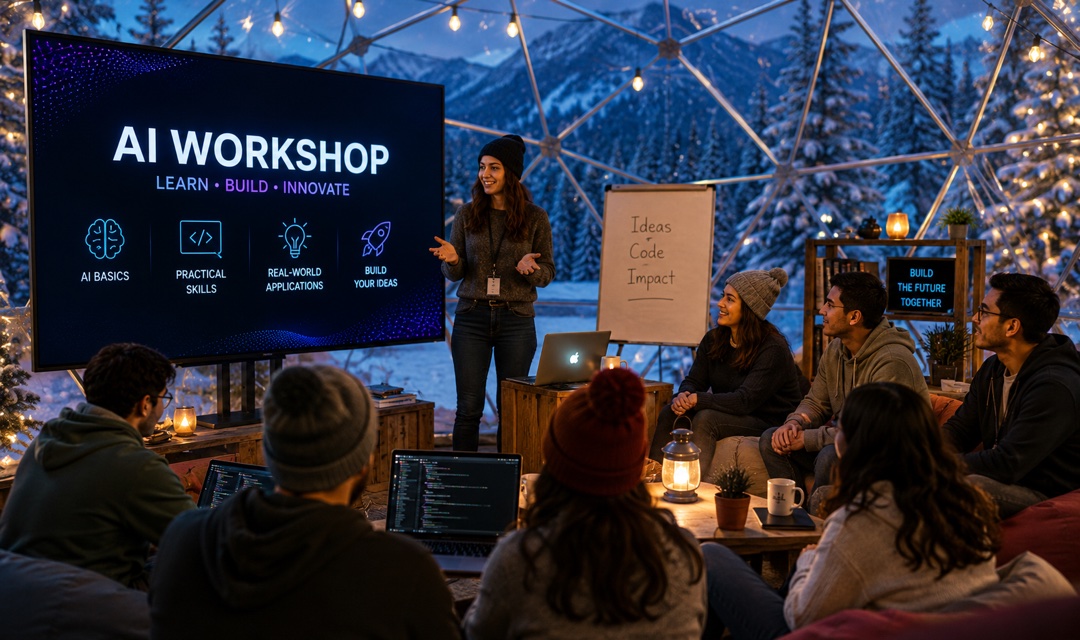
Sell places at hands-on AI training. Show who the class is for, introduce your tutor and put laptop requirements, learning goals and the agenda beside the booking button.
FROM BOOKING TO ARRIVAL
Describe the exercises, skill level and take-home materials. Separate the workshop ticket from any software account or paid subscription guests may need.
Ask each participant an optional question about the task they want to practise. Introduce your tutor and show where demonstration, practice and questions fit into the session.
Set your ticket quantity, review registrations in Console and scan QR tickets on arrival. Spend less time reconciling payment messages and attendance lists.
EXAMPLE SCENARIO
Example scenario: an independent trainer runs a three-hour, beginner-friendly AI lab for 20 adult learners at USD 59 per place. Guests bring a laptop and practise briefing, revising and checking AI-assisted drafts using fictional material. The template includes a sample tutor, six agenda items and two optional attendee questions. A worksheet is included; software subscriptions and certification are not. Prices and capacity are editable planning examples, not sales results.
Explore the demoINCLUDED TEMPLATE
A hands-on introduction to using AI for ordinary writing and planning tasks. Practise giving a clear brief, improving a first draft and checking an answer before relying on it. This three-hour class is designed for adult beginners; no coding experience is expected.
YOUR EVENT OPERATIONS


The example is built around laptop-based AI practice: tool prerequisites, fictional exercise data, a prompting lab and an output-checking exercise. It asks about the task and experience level of each learner rather than using a generic course description.
No. Tixmore handles event booking and check-in, not model access, course hosting, homework or certification. This sample includes a printable worksheet and no software licence. Before selling, name the tools you will use and explain any account, age or subscription requirements.
No. The optional question asks only for a general task to practise. Do not collect passwords, client documents or confidential data. Use fictional examples during the class and review the chosen tool's data-handling terms separately.
Tixmore creates an editable online event with a [DEMO] title, a date window from today to ten days later and a sample Central Park location. Replace the title, venue, actual date, ticket quantities and policies before sharing. The example is not a real customer event.
Connect your own Stripe account and review the current platform and processing fees on our pricing page. Guests receive QR tickets for check-in. The public demo cannot submit a booking, reserve a place or take payment.
Review the template, add your details and make it yours.